
From Spreadsheet to ATS: When and Why to Move
When should you move from a spreadsheet to an ATS? The hidden costs of running hiring in Excel, the signals to switch, and how to migrate painlessly.
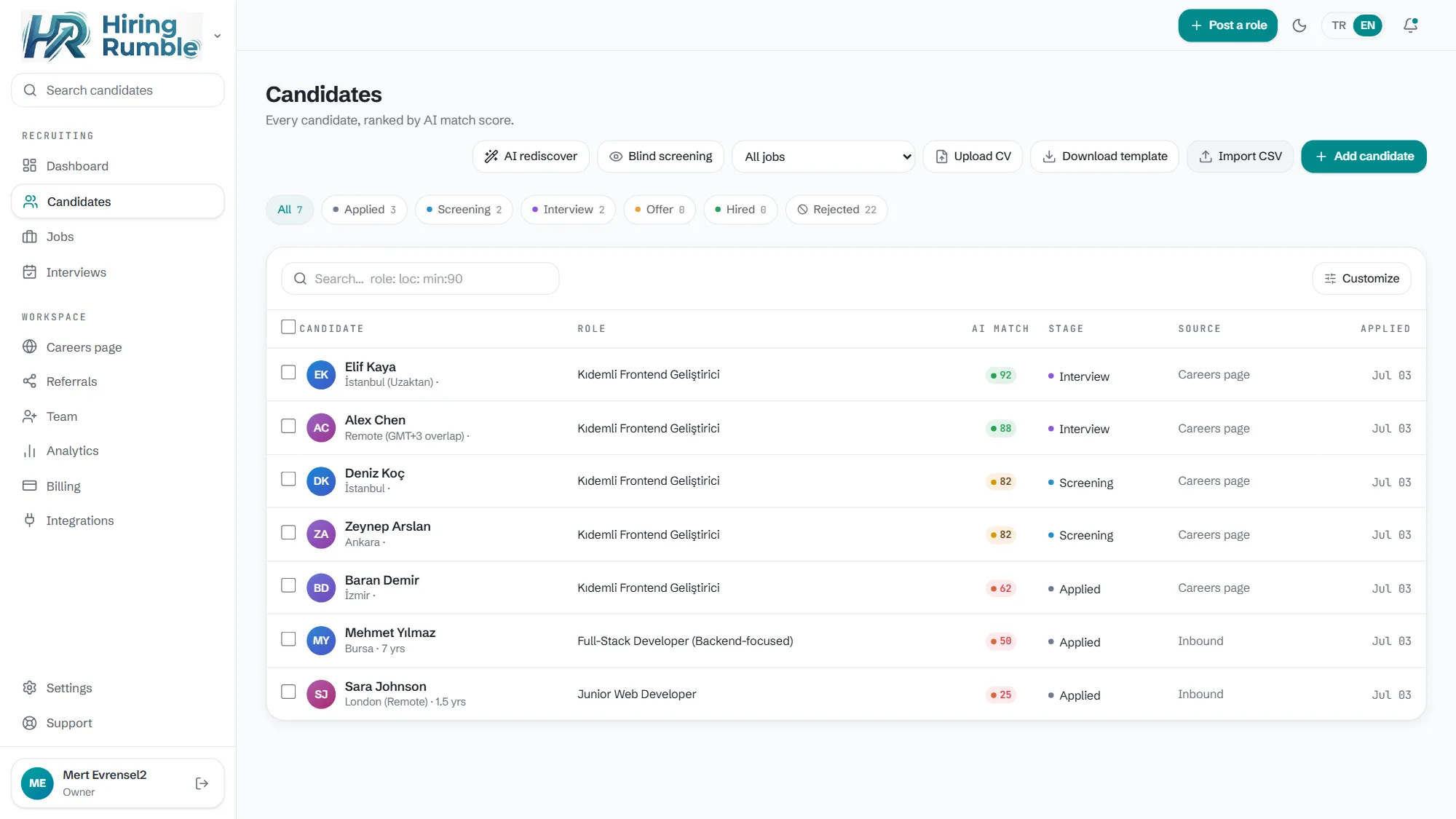
Almost every small team starts hiring with a spreadsheet — Excel or Google Sheets. At first it works: free, familiar, flexible. But as the team and application volume grow, the spreadsheet quietly turns into a burden. Moving from spreadsheet to ATS makes sense the moment you notice that burden. This post covers the hidden costs of running hiring in a spreadsheet, the signals that it's time to switch, and how to migrate your data painlessly.
The hidden costs of hiring in a spreadsheet
Excel doesn't look like a "competitor," but it's the real competitor for most small teams. Its problems:
- Manual data entry: typing each resume's info into the sheet eats hours.
- Inconsistent evaluation: each candidate is measured differently; the morning-vs-night, first-vs-last resume gap breaks fairness.
- Lost candidates: a row shifts, a filter is forgotten — a good candidate slips through.
- Collaboration friction: when several people update the same file, who did what becomes unclear.
- No visibility: the sheet won't tell you where the process is stuck or which channel works.
- No automation: candidate updates, stage tracking — all by hand.
Signals it's time to switch
- You're opening multiple positions at once.
- Application count exceeds what you can read consistently by hand.
- Other people are joining the team; sharing the sheet turns into chaos.
- You've started scanning the file just to find which stage candidates are in.
- You can't answer "why did I reject this candidate?"
If a few of these feel familiar, the spreadsheet has started slowing you down.
How does a painless migration work?
The biggest fear of switching is "I'll lose my data" — but a good ATS makes it easy. In Hiring Rumble, migration takes minutes:
- Import CSV: upload your existing sheet directly.
- Drag in resumes: add PDF/DOCX resumes by drag-and-drop; they're parsed automatically.
- Connect the careers page: new applications drop straight into the pipeline.
Once migrated, you gain what the spreadsheet never had: each resume is read against the role with a 0-100 fit score and the reason for every score; candidates move through clear stages on the kanban; time-to-hire and the funnel become visible. And you can start in keyless demo mode with nothing to set up, or even on a free plan. AI screens and ranks; the decision is always yours.
Related reading: Applicant Tracking System for Small Business · Free Applicant Tracking System