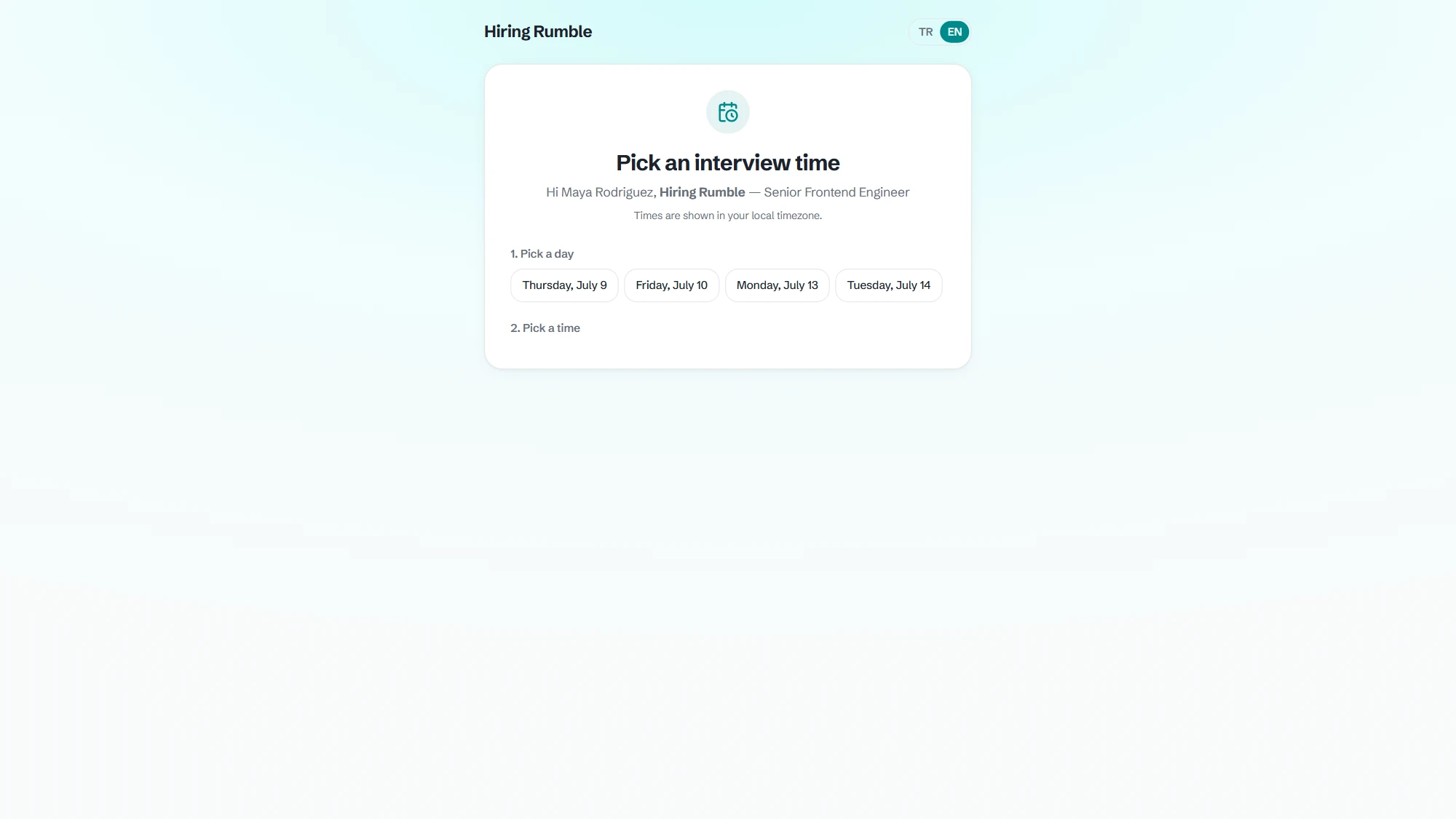
Google and Microsoft calendars connected
Google Calendar or Outlook — connect whichever you use. The system reads your real availability; busy slots are never shown to candidates.
- Google Calendar + Outlook support
- Real availability, zero conflicts
- Invites land on both calendars
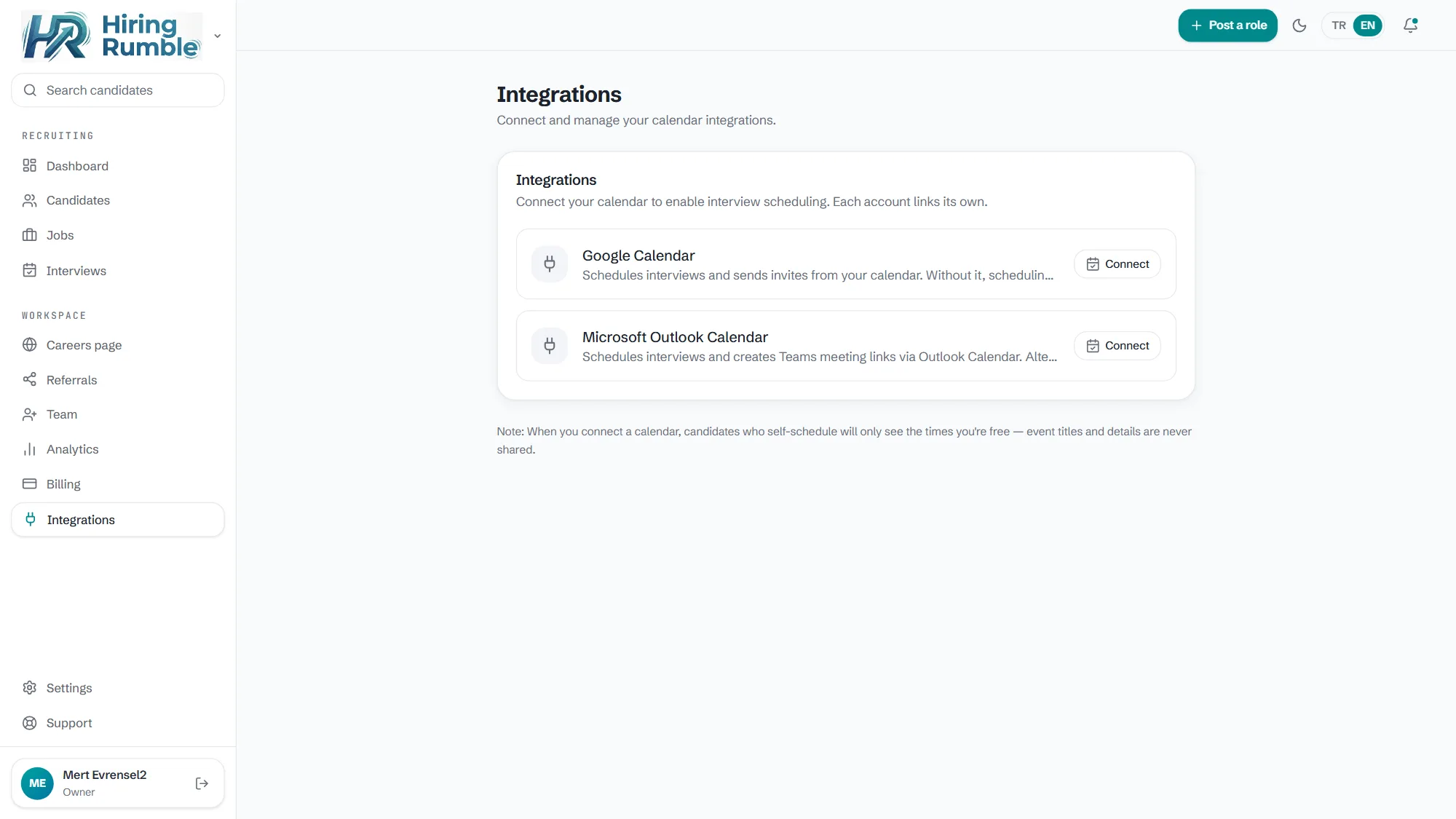
Candidates pick their own time
Send the candidate a personal scheduling link. They choose the slot that suits them from your openings — even at midnight, the interview gets booked while you sleep.
- A secure per-candidate link
- You define the working hours, days and timezone
- Candidates see slots in their own local time
All interviews in one list
This week's interviews on one screen: who, which role, what time. When it's done, drop your notes on the candidate card for the whole team to see.
- A weekly interview view
- Interview notes on the candidate card
- In sync with stages: book, meet, advance
Frequently asked questions
Does the candidate need an account?
No. The candidate clicks the link in their email and picks a time — no signup, password or app required.
How are time zones handled?
You define your working window in your own timezone (in Settings); candidates see the slots in their local time, and invites land on both calendars at the correct hour. No mental math on international interviews.
What if we need to reschedule?
Cancel the interview and send a fresh scheduling link; the old invite is removed from both calendars.